



Editor's note
A quick workflow for founders, sellers, and operators who need polished product visuals before they have a real shoot budget.
You do not need a full studio to publish a convincing product visual. What you need is a clean product reference, one visual direction, and a workflow that does not overcomplicate the prompt.
A quick workflow for founders, sellers, and operators who need polished product visuals before they have a real shoot budget.
Use RouteMarket presets to generate commerce-ready product images, then export them for listings, landing pages, or paid social.
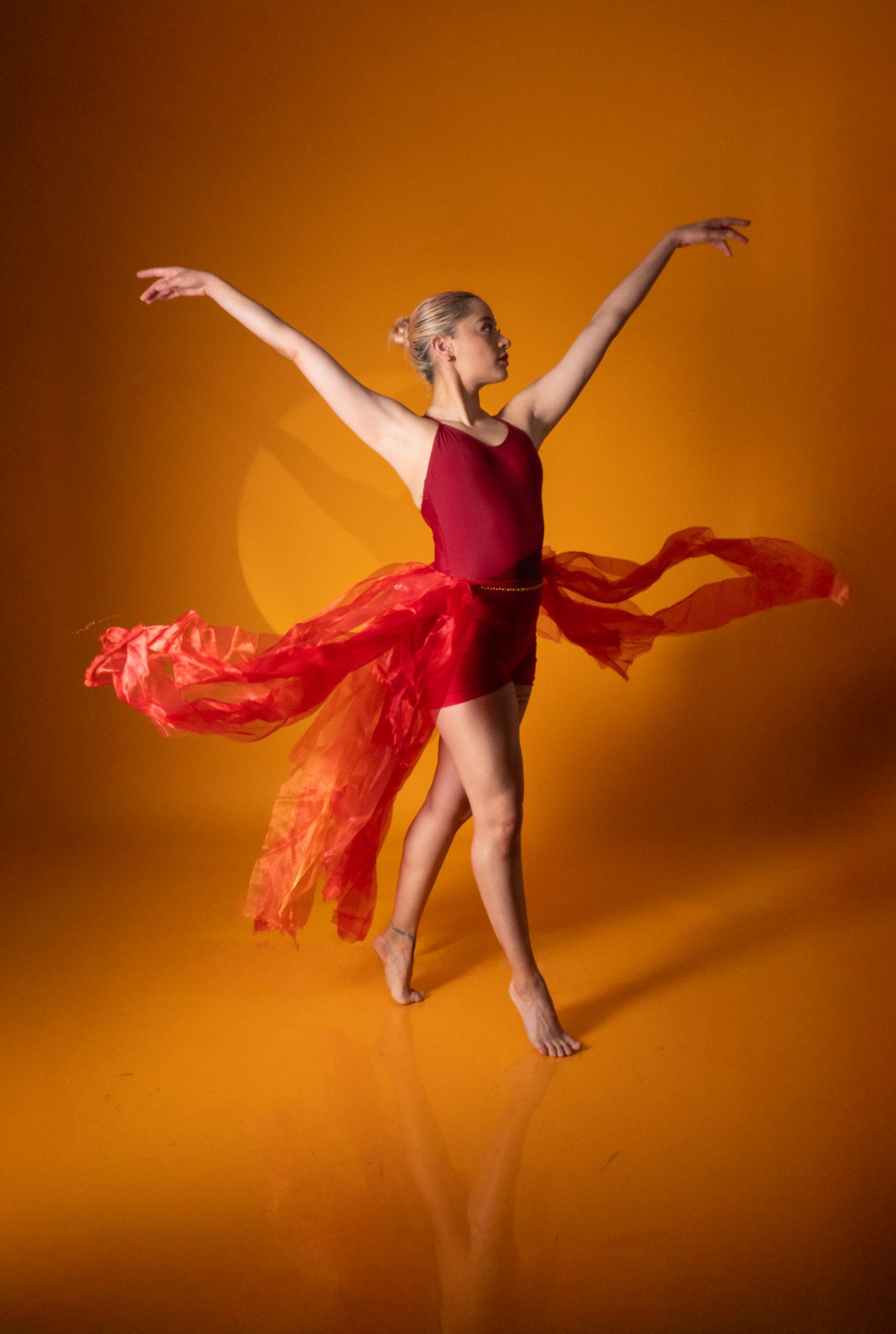
A quick workflow for founders, sellers, and operators who need polished product visuals before they have a real shoot budget.
The easiest mistake is over-directing the model. Keep the prompt focused on mood, camera feel, lighting, and material cues. Let the reference image handle the product identity.
Write like a creative brief, not like an instruction manual for the renderer.
Use RouteMarket presets to generate commerce-ready product images, then export them for listings, landing pages, or paid social.

A simple mental model for getting your first usable clips without drowning in settings, shot terminology, or endless retakes.
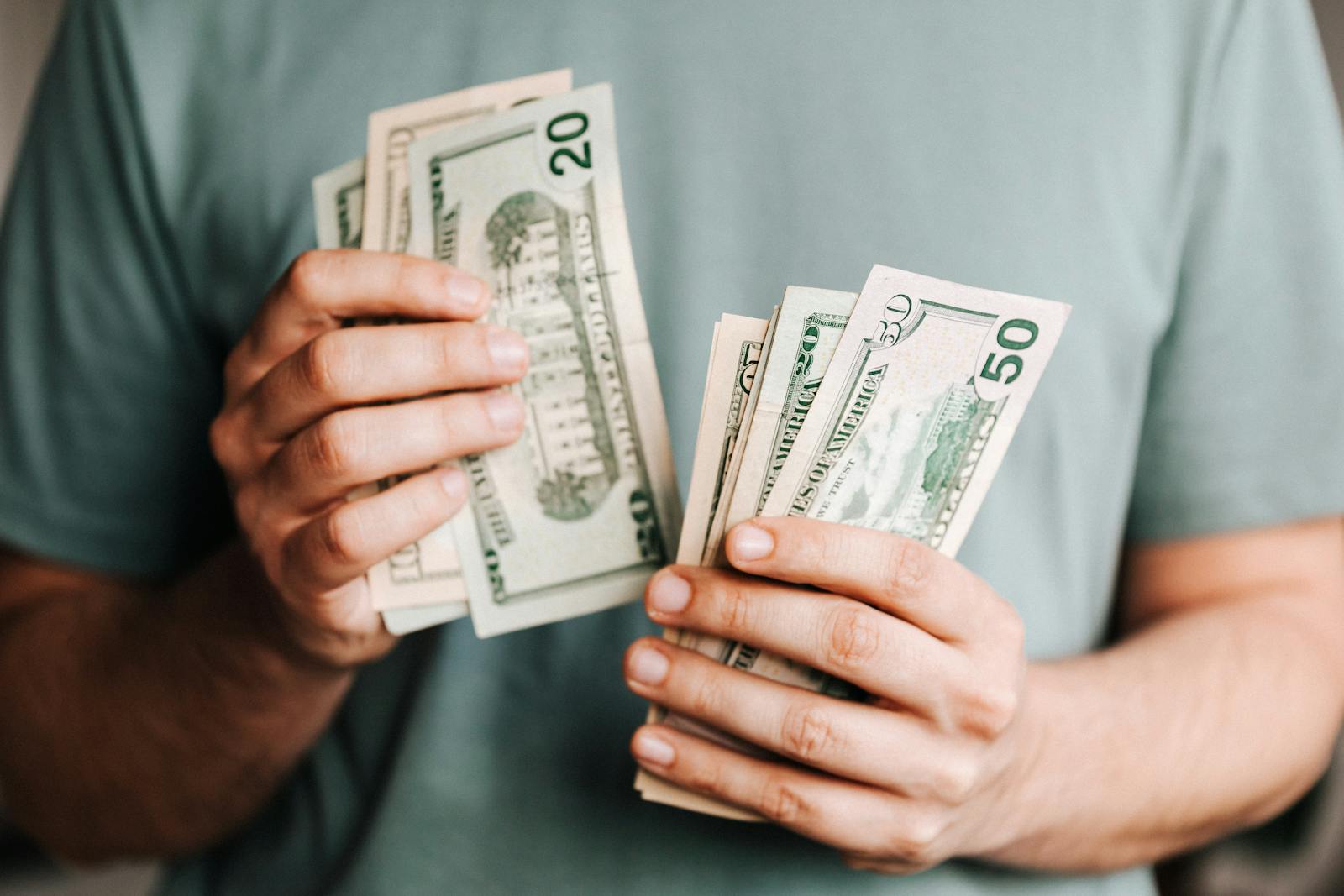
A short guide for solo creators and teams who want to reduce spend without creating billing chaos across multiple accounts.

RouteMarket AI has launched Qwen3.8-27B. This article focuses on the model’s performance in Chinese and English tasks.