



Editor's note
A practical side-by-side for product shots, cinematic key art, consistent characters, and editable commercial assets.
There is no universal winner. The best image model changes depending on whether you need premium realism, strong prompt obedience, character persistence, or clean post-production flexibility.
A practical side-by-side for product shots, cinematic key art, consistent characters, and editable commercial assets.
RouteMarket helps teams benchmark multiple image models, keep winning presets, and switch the default without reworking the whole creation flow.
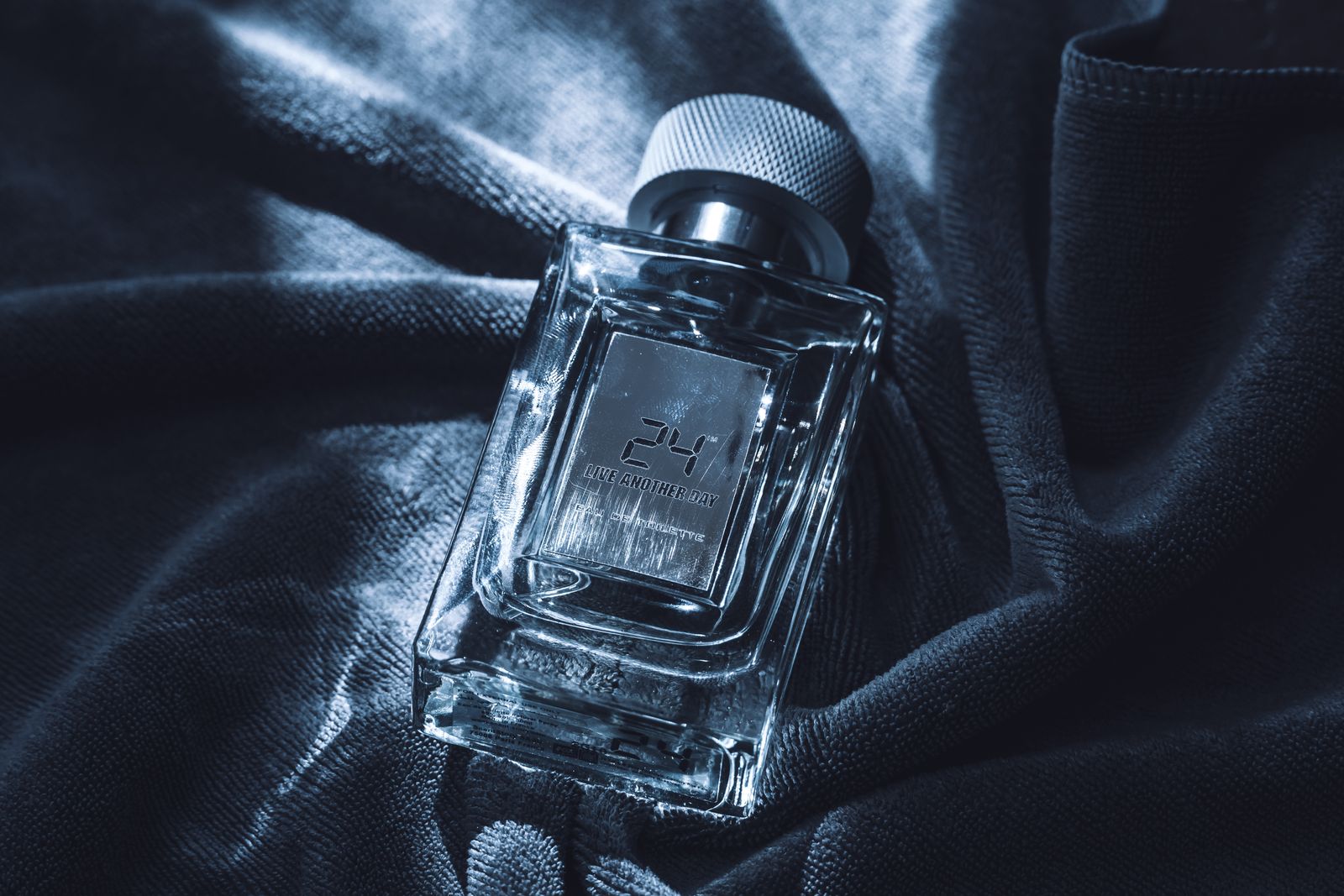
A practical side-by-side for product shots, cinematic key art, consistent characters, and editable commercial assets.
We tested each model on four repeatable tasks: luxury packshots, human portrait campaigns, stylized poster art, and e-commerce cutout-ready imagery.
Instead of declaring one universal winner, define a default model per content lane and keep at least one fallback. That gives you a stable operating baseline and room to adapt when quality or price shifts.
RouteMarket helps teams benchmark multiple image models, keep winning presets, and switch the default without reworking the whole creation flow.

RouteMarket AI has launched Qwen3.8-27B. This article focuses on the model’s performance in Chinese and English tasks.

A practical architecture for teams that want one billing layer, one request format, and room to swap providers without touching product code.
Explore the complete process of building a local AI creative workstation with ComfyUI and MiniMax H3, from environment preparation to final deployment, providing reliable support for your creative workflow.